Every trade moves through a small set of statuses. The trade page always shows the current status and the action available to you.
An Instant request that is split across several offers creates several separate trades. Each one has its own status, timer and payment instructions, so follow every trade from your account trades page.
1PendingWaiting for acceptance or the first escrow action
2In progressCrypto locked and payment window active
3CompletedCrypto released to the buyer
4DisputedModerator review with evidence
5CancelledStopped before completion
6ExpiredTime window ended
7FailedError prevented completion
A trade can end as completed, cancelled, expired or failed. A dispute can be opened while the trade is active.
Trade statuses
| Status | What it means | What to do |
|---|---|---|
| Pending | The trade has been requested and is waiting for acceptance or the first escrow action. | Read the terms and wait for the seller to fund escrow. |
| In progress | Crypto is locked in escrow and the trade is active. | Pay the agreed amount, then mark it as paid. |
| Completed | The seller released the crypto and the trade finished successfully. | Leave feedback and download any receipt you need. |
| Disputed | A party asked a moderator to review the trade. | Respond to evidence requests and keep communication in the trade chat. |
| Cancelled | The trade was cancelled before completion. | No crypto should be released for a cancelled trade. |
| Expired | The payment or response window ended. | Do not send payment for an expired trade. |
| Failed | An error prevented the trade from completing. | Check the trade page and contact support if funds are unclear. |
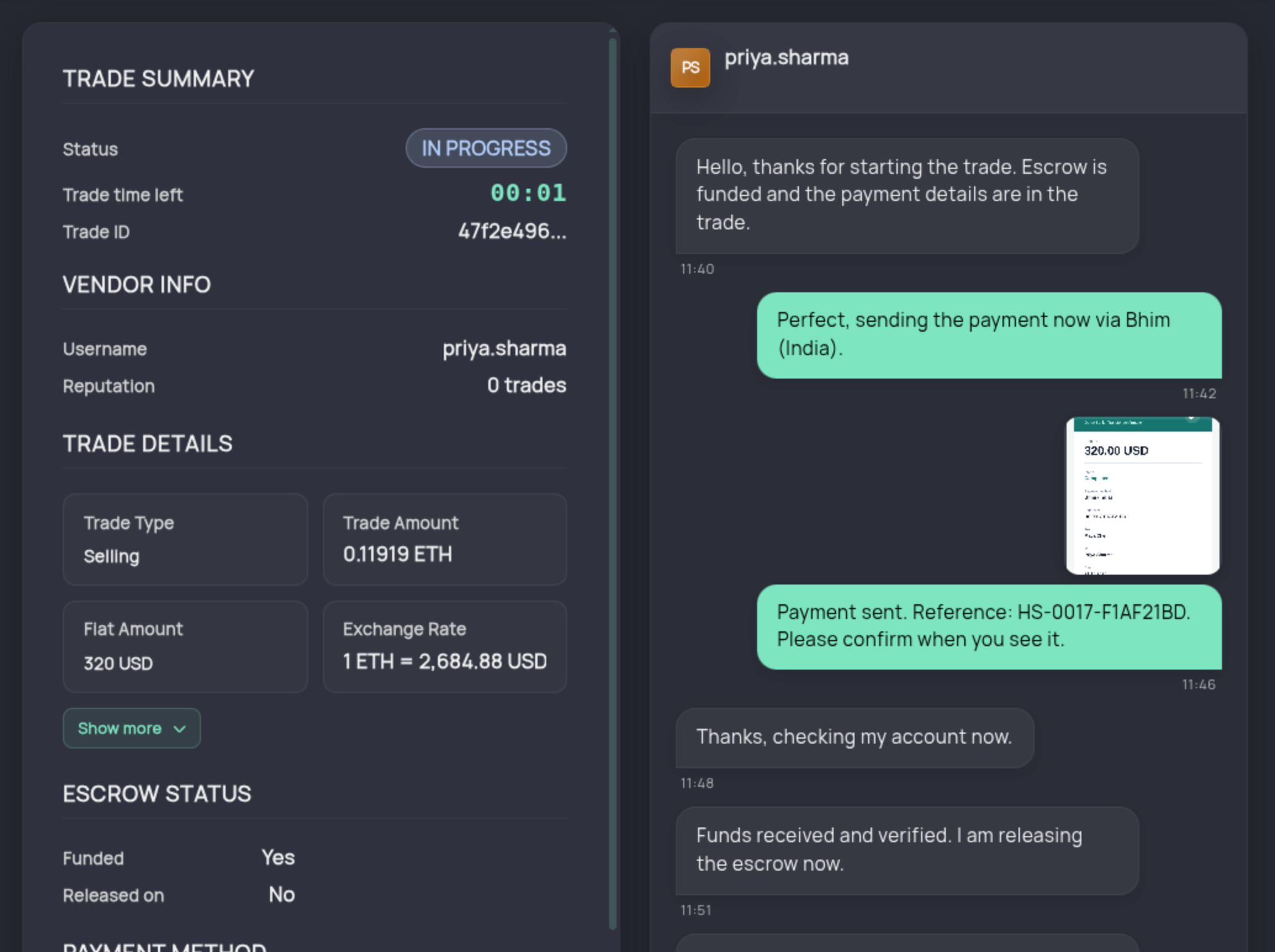 1Trade status2Trade details3Escrow state4Trade chat